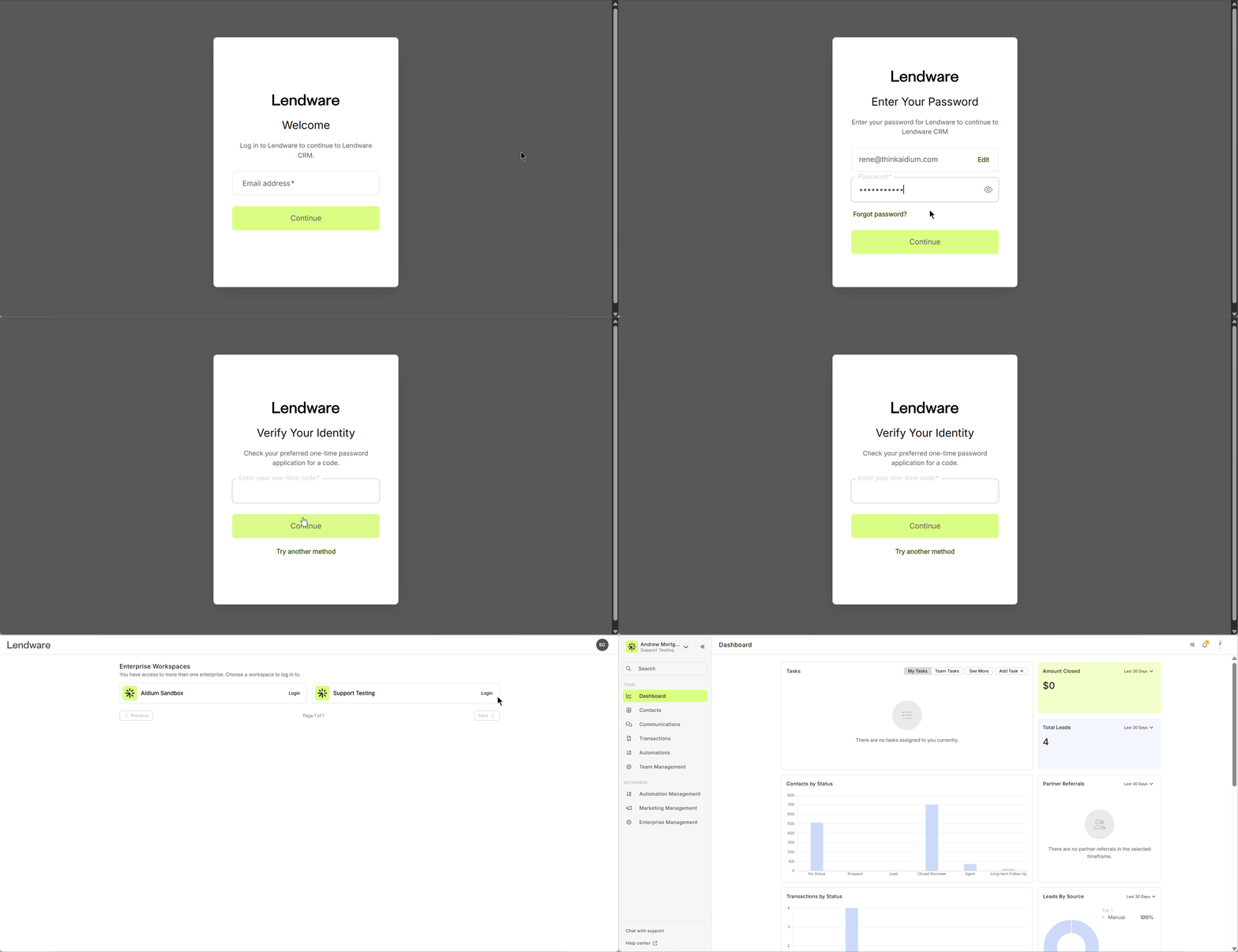
Follow these steps to log into your Lendware account:
-
Go to Lendware using your preferred browser.
-
Enter your email address.
→ Once entered, the password field will appear. -
Enter your password, then click Continue.
-
A list of available enterprises will appear.
-
Click "Login" next to the enterprise you'd like to access.
-
Once selected, you'll be directed to your dashboard.